You haven't signed in yet, you can have a better experience after signing in
*Please complete the payment within {{receiveCouponInfo.expire_at}}Previous use*
You haven't signed in yet, you can have a better experience after signing in


Activity Rules
1、Activity time:{{ info.groupon.start_at }} ~ {{ info.groupon.end_at }}。
1、Activity time:cease when sold out。
2、Validity period of the Group Buying:{{ info.groupon.expire_days * 24 }} hours。
3、Number of Group Buying:{{ info.groupon.need_count }}x。
Please Pay Attention
1、Teamwork process: Join/initiate a Group Buying and make a successful payment - Within the validity period, the number of team members meets the activity requirements - Group Buying succeeded!
2、If the number of participants cannot be met within the valid period, the group will fail, and the paid amount will be refunded in the original way.
3、The number of people required and the time of the event may vary among different products. Please pay attention to the rules of the event.
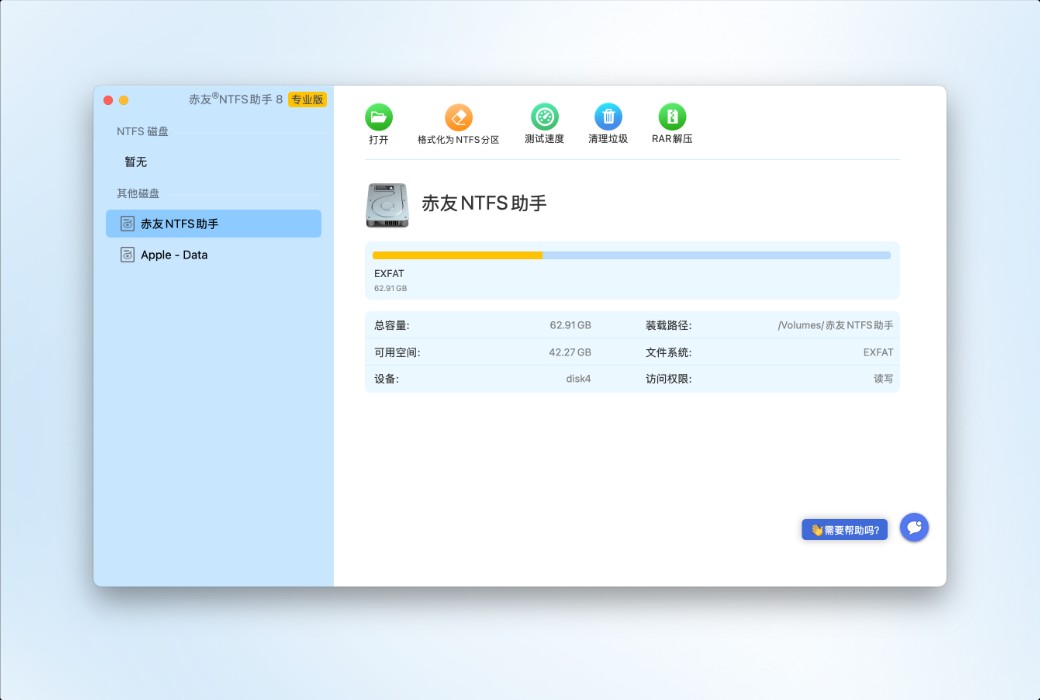
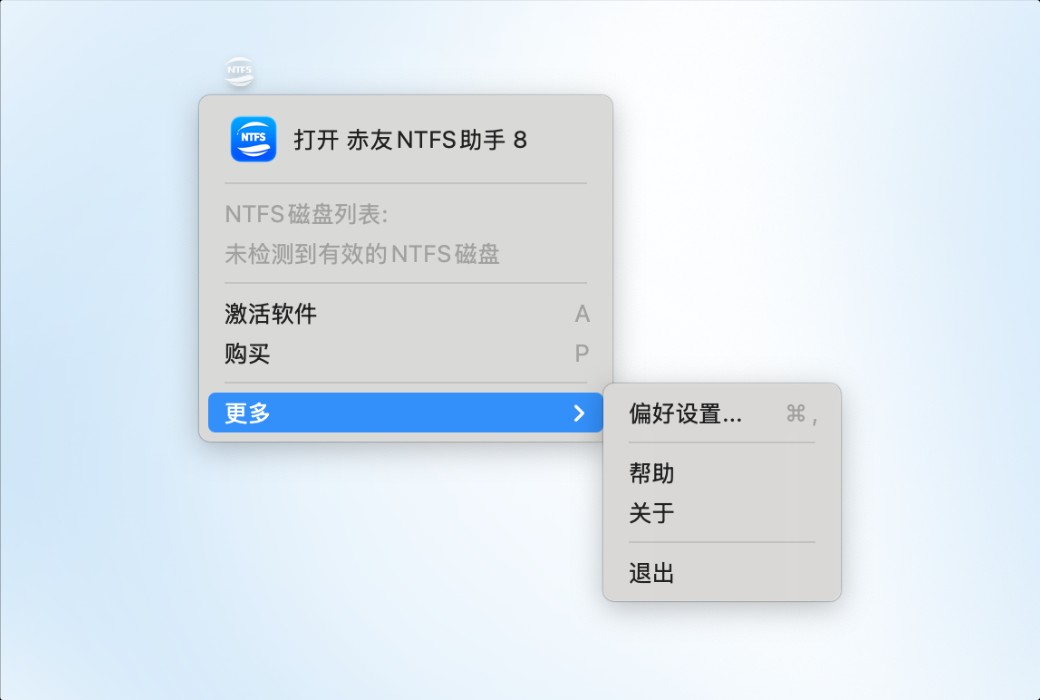
ChiYou NTFS Assistant - enables Mac to perfectly read and write NTFS mobile hard disks or USB drives, with plug-and-play functionality and no need for formatting
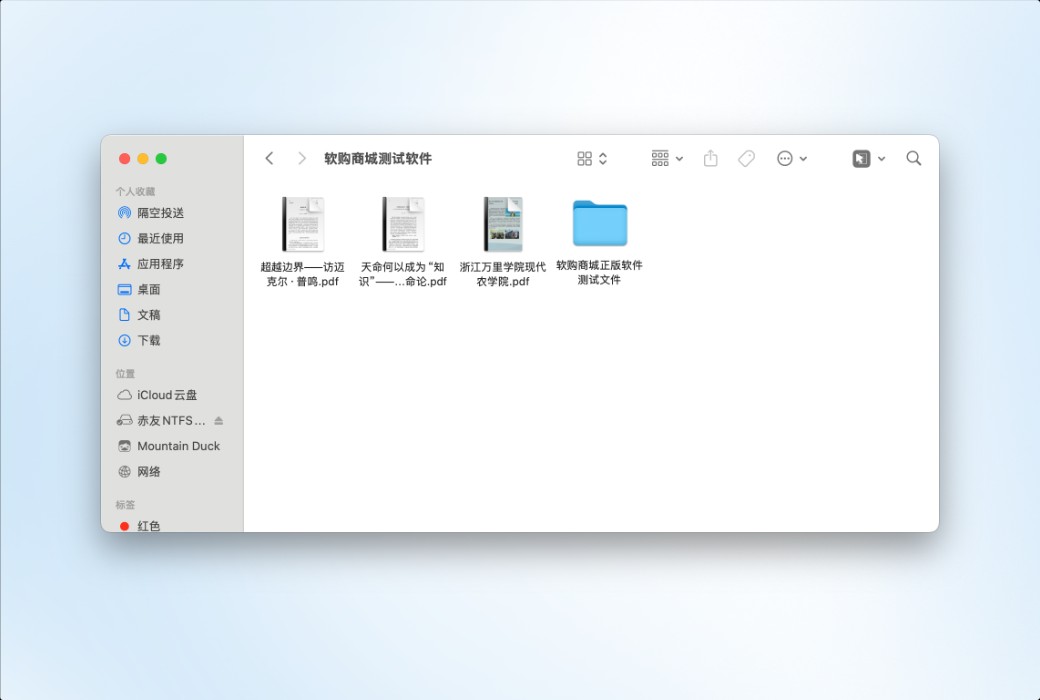
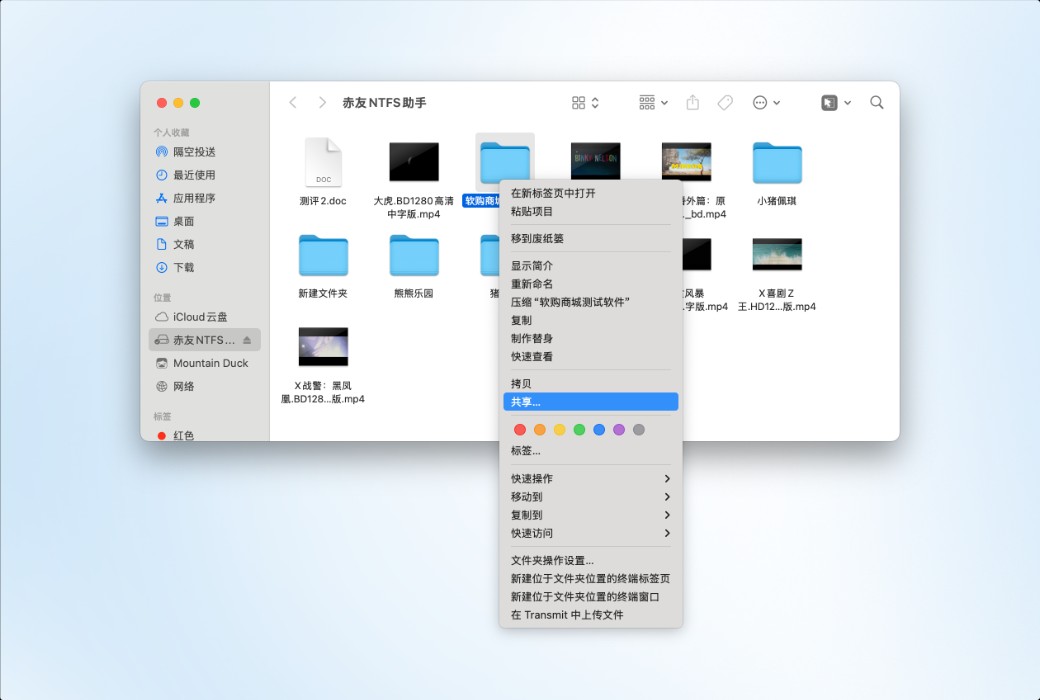
Mac users have all encountered this problem: after plugging in an NTFS-formatted mobile hard disk, they can only read but not write. ChiYou NTFS Assistant directly solves this issue - once installed, you can store things on the NTFS hard disk without formatting or typing commands.
ChiYou NTFS Assistant is an NTFS for Mac software independently developed by Chengdu Aibo Technology Co., Ltd., a national high-tech enterprise. Based on national invention patent technology (ZL 2024 1 0873659.1), it enables NTFS write permission for Mac, making file exchange between Windows and Mac simple and smooth.
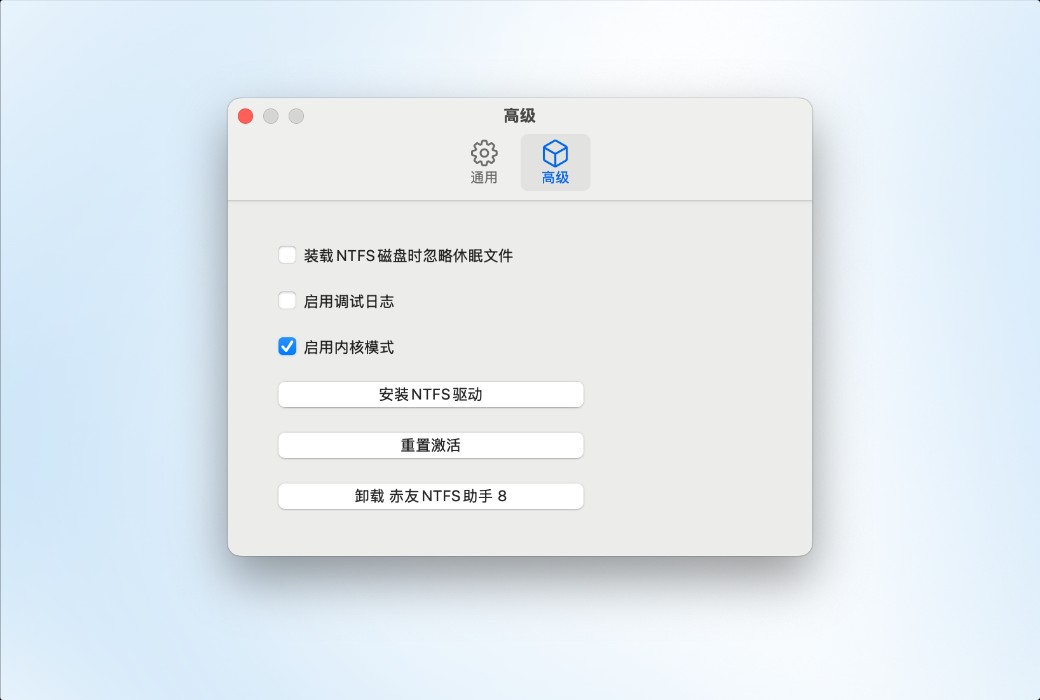
The research and development of NTFS for Mac read-write technology for ChiYou NTFS Assistant began in 2017. After 9 years of continuous iteration and polishing, it adopts kernel-level driver technology in advanced mode, providing solid guarantees in core scenarios such as stability, large file transfer, and system hibernation and wake-up. It is fully compatible with Mac computers with M5/M4/M3/M2/M1 and Intel chips, and supports macOS Tahoe 26 and earlier systems.
Official Website:https://aibotech.cn/ntfs-for-mac/
Download Center:https://ntfs-for-mac.apsgo.cn
Delivery Time: Automatic delivery within 24 hours
Operating Platform: macOS
Interface Language: Supports Chinese interface display, with multiple languages available.
Update Instructions: Permanent use, with free updates for minor versions.
Trial Before Purchase: Free trial for 3 times before purchase.
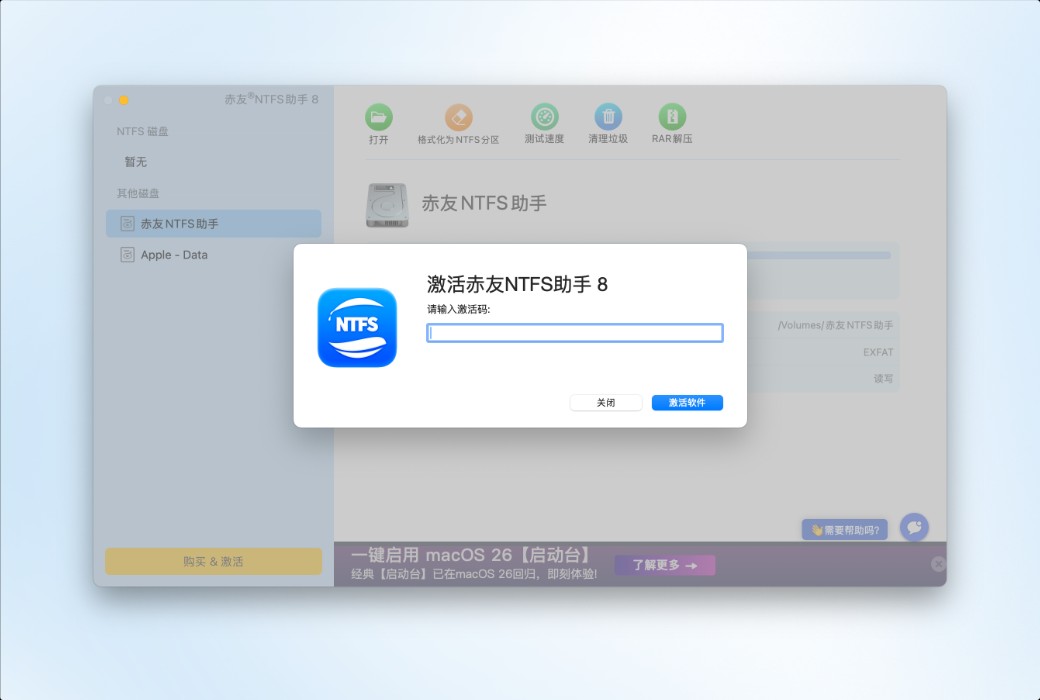
How to Receive the Product: After purchase, the activation information will be sent to the email used for placing the order. You can also view the corresponding product activation code in your personal center, under "My Orders".
Number of Devices: Can be installed on 1 computer.
Changing Computers: Uninstall on the original computer and activate on the new one.
Activation Guide: To be added.
Special Instructions: Permanent use is limited to macOS 26 and below operating systems.
References:https://aibotech.cn/ntfs-for-mac/

Any question